Your database, next to your app.
Start Postgres, MySQL, Redis, MongoDB, SQL Server or RabbitMQ in a minute, on Dokwe's servers or your own. Copy the connection string, schedule backups, restore with a safety snapshot.
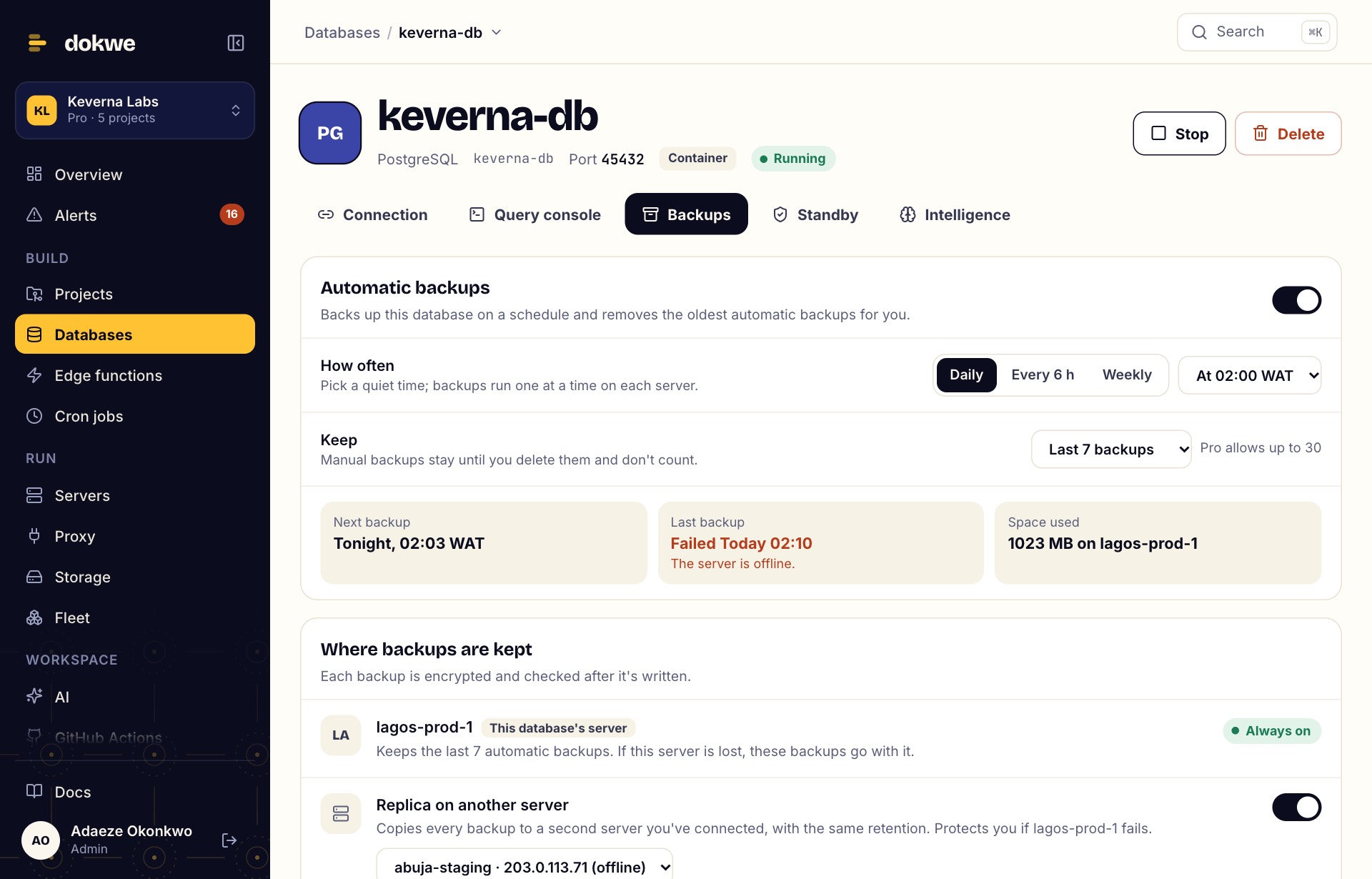
The databases apps actually use.
Each one runs in its own container with its own data volume and a generated, encrypted password.
With pgvector for AI features, on at create time or later.
MariaDB 11.4, for apps written against MySQL.
Cache, sessions and queues.
MongoDB 4.4, SQL Server 2022 and RabbitMQ 3.13 when you need them.
Ready in three steps.
Pick an engine
Choose the engine, a name, and where it runs: Dokwe's servers or one of yours. Or adopt a Postgres you already run.
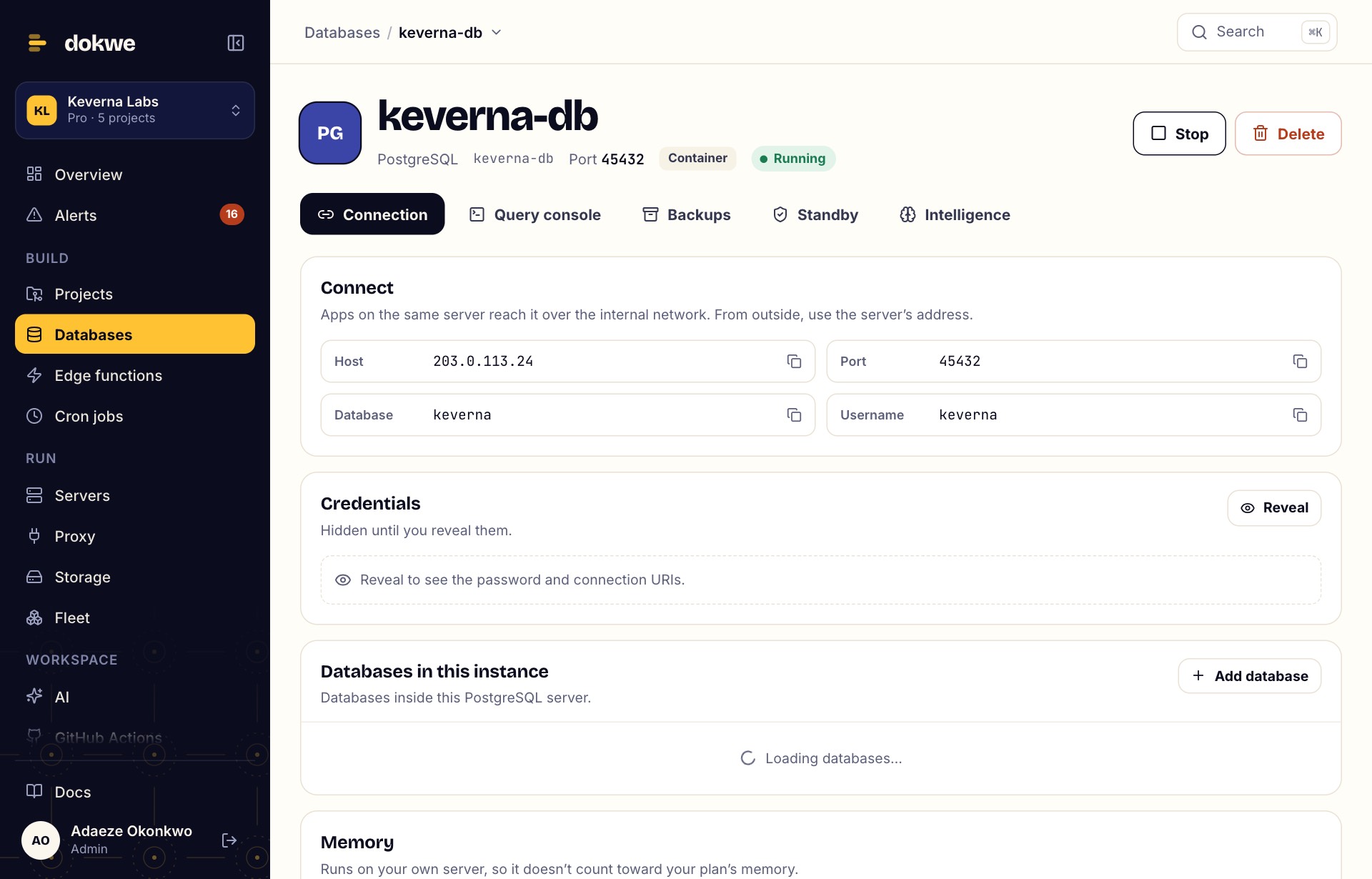
Copy the connection string
The Connection tab has the URI ready for an environment variable.
Turn on backups
Daily backups at a time you choose, kept for as long as your plan allows.
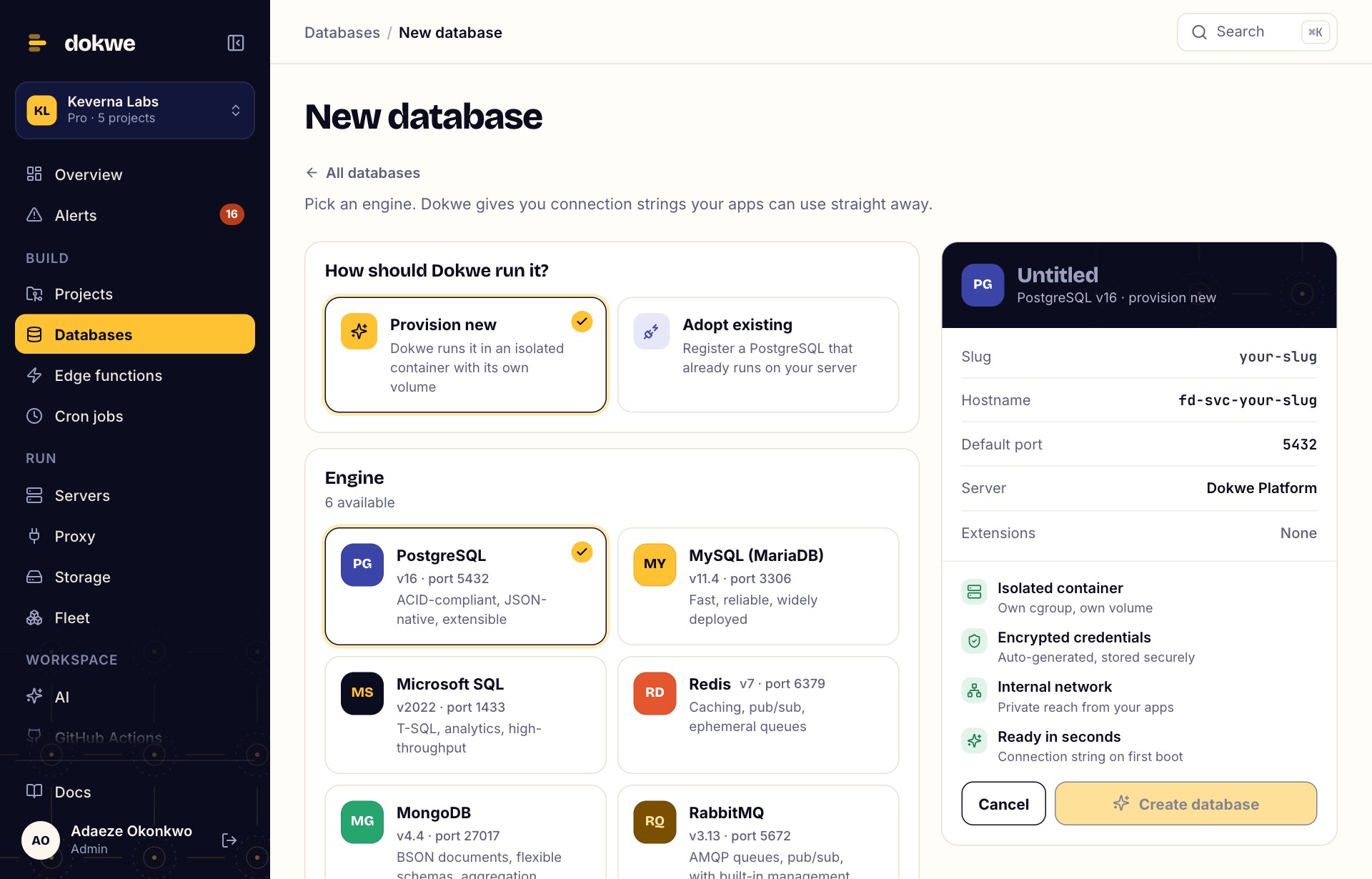
Backups you can actually restore.
Automatic backups
Daily on every plan; every 6 hours or weekly on Business. Free keeps 3, Team 14, Business 30.
Kept where your data is
A database on your server is backed up to that server, encrypted. Add a copy on a second server if you like.
A snapshot before every restore
Restore into the same database or another of the same engine. Dokwe takes a snapshot of the target first.
Download any backup
Get a standard .dump, .sql or .archive.gz file, or import one up to 10 MB.
A standby copy
Postgres, MySQL and MongoDB can keep a copy refreshed every 5 minutes to 7 days, and promote it in one click.
Checked every 5 minutes
After three failed checks, owners and admins get an email and Dokwe restarts a stopped database.
Everything in one place.
A query console, extra Postgres databases and connection details sit on the same page as the backups.
- Query console for Postgres, MySQL, SQL Server and MongoDB
- Add databases inside a Postgres instance
- Memory size per database on Dokwe's servers
- Adopt an existing Postgres just to back it up
Next to a cloud database service.
| Question | Dokwe Databases | Typical cloud database |
|---|---|---|
| Where it runs | Dokwe's servers or any server you connect | The provider's regions |
| Engines | Six engines in one dashboard | Often one service per engine |
| Backups | Scheduled dumps you can download | Continuous backups and point-in-time restore |
| Standby | A copy on an interval, promoted by you | Often a synchronous standby with automatic failover |
If you need point-in-time recovery or automatic failover, a cloud database service is the better fit today.
Good questions, straight answers.
Which databases can I run?
PostgreSQL 16 (optionally with pgvector), MySQL-compatible MariaDB 11.4, SQL Server 2022, Redis 7, MongoDB 4.4 and RabbitMQ 3.13.
Are backups automatic?
Once you turn them on: daily on every plan, plus every 6 hours or weekly on Business. Free keeps 3, Team 14, Business 30. You can also take a backup any time and download it.
Where are my backups stored?
For a database on your own server, on that server, encrypted, with an optional copy on a second server. On Dokwe's servers, encrypted on Dokwe.
Can I restore into a different database?
Yes, into any running database of the same engine. Dokwe snapshots the target first and stops if that snapshot fails.
Which engines have backups?
PostgreSQL, MySQL and MongoDB.
What's the difference from Dokwe DB?
Databases gives you the engine and a connection string. Dokwe DB adds a REST API, keys and sign-in on top of Postgres.
Put the database next to the app.
Pick an engine, copy the connection string, turn on backups.