Make a table. Call it over HTTP.
Dokwe DB is Postgres 16 with a REST API generated from your tables, API keys, row-level security and optional sign-in. No backend to write for the basics.
# read rows, limited by row-level security
$ curl "$DOKWE_DB_URL/todos?select=id,title&done=eq.false" \
    -H "Authorization: Bearer $ANON_KEY"

[{ "id": 1, "title": "Ship the landing page" }]

# write from your server
$ curl -X POST "$DOKWE_DB_URL/todos" \
    -H "Authorization: Bearer $SERVICE_ROLE_KEY" \
    -H "Content-Type: application/json" \
    -d '{"title": "Write the docs"}'
For apps that just need data and users.
Read and write data over HTTP without writing a backend.
Create tables in the editor and call them straight away.
Email, SMS through Twilio, and Google, GitHub, Discord, GitLab or Twitter sign-in.
The hosted-backend way of working, on hardware you choose.
Ready in three steps.
Create it
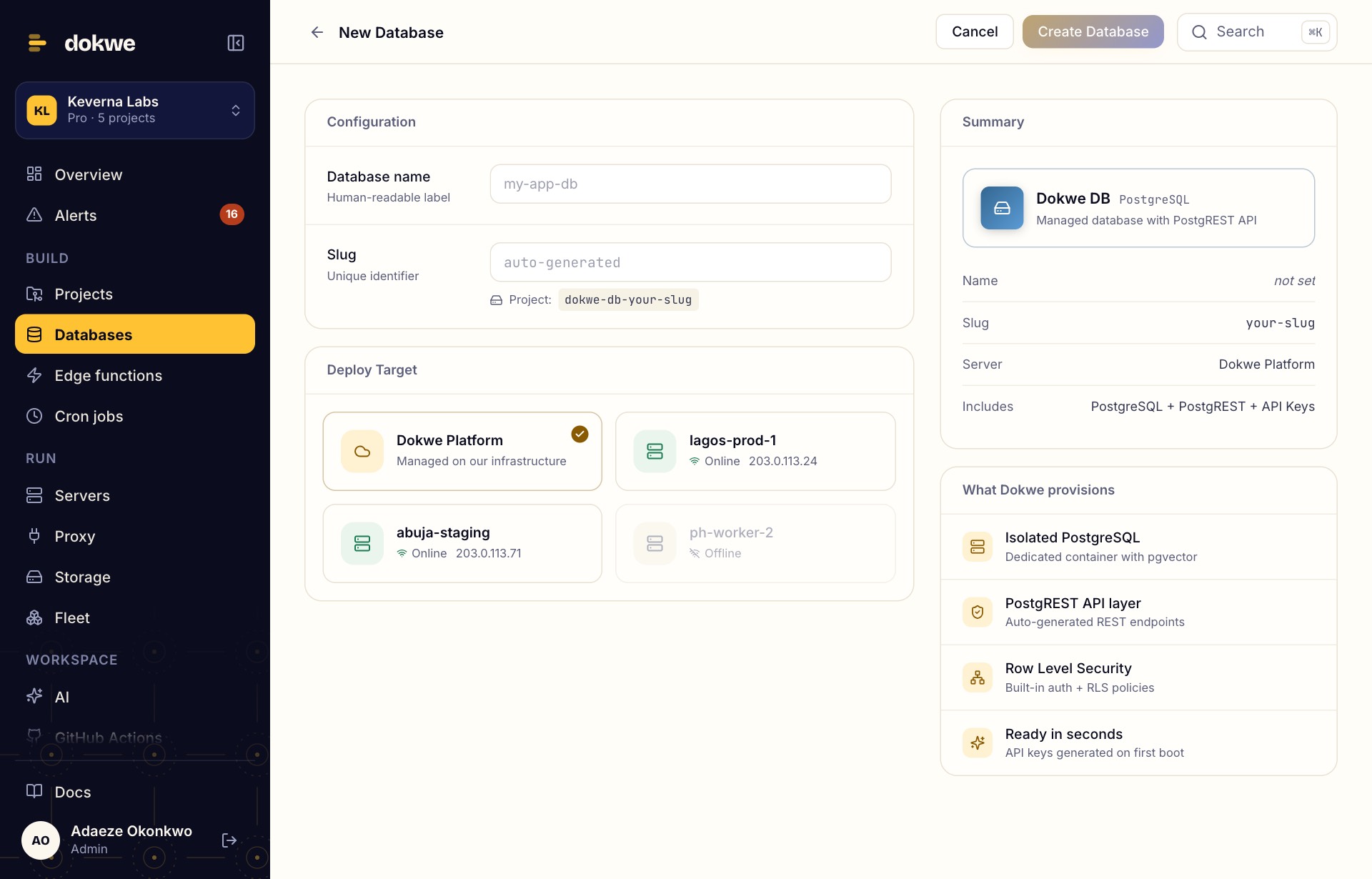
Name it and choose where it runs: Dokwe's servers or one of yours.
Make tables
Use the Table Editor or the SQL Editor. Each table in public gets an endpoint.
Call the API
Copy the URL and a key from the API tab and call /<table>. Turn on sign-in when you need users.
Postgres, plus the parts you'd build next.
An API from your tables
PostgREST serves every table in public, with filters, selects and inserts.
Anon and service keys
The anon key follows your row-level security; the service key is for your server.
Row-level security tools
Turn RLS on per table, write and test policies, and see which tables have none.
Sign-in when you need it
Email with your SMTP, SMS through Twilio, and five OAuth providers, with users and sessions.
Table and SQL editors
Browse and edit rows, import and export CSV, run SQL, generate TypeScript types.
A normal Dokwe database
The Postgres underneath appears in Databases, so you can schedule its backups there.
Good questions, straight answers.
What do I get?
A Postgres 16 database, a REST API over your public tables, an anon key and a service key, and optional user sign-in.
Do I need to write a backend?
Not for reading and writing rows. Call /<table> with the anon key and protect rows with row-level security, or use the service key from your server.
Is my data public?
New tables in public can be read with the anon key until you turn on row-level security and add policies. Use the Policies tab before you go live.
Which sign-in methods are supported?
Email with your SMTP, SMS through Twilio, and Google, GitHub, Discord, GitLab and Twitter.
Can it run on my own server?
Yes. Pick one of your connected servers when you create it.
Is it backed up?
The Postgres behind Dokwe DB is a normal Dokwe database, so you can schedule backups for it on the Databases page.
Skip the boilerplate backend.
Create a Dokwe DB, make a table, call it.